
How To Reset Password at PANALOCLUB
E
1 min read
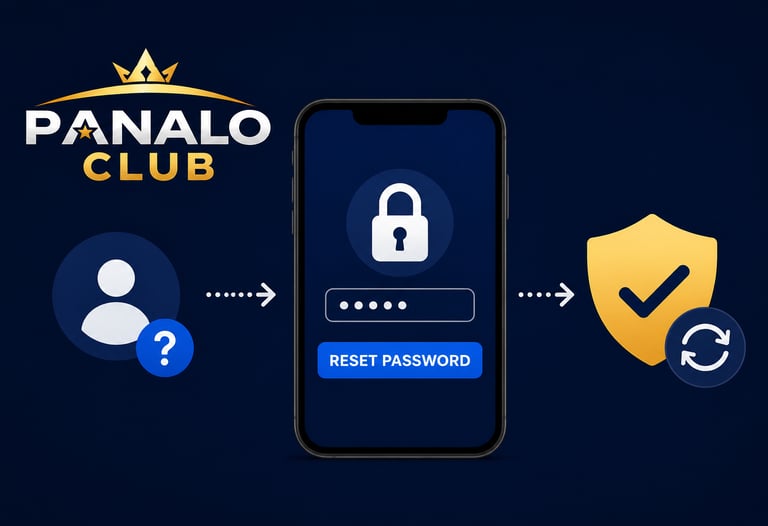
Step 1: Visit the Official Website
Go to the official PANALOCLUB website and navigate to the login page.
Step 2: Select "Forgot Password"
Click the Forgot Password option located below the login form.
Step 3: Verify Your Account
Provide your registered account information, such as your username or mobile number, to help verify your identity.
Step 4: Follow the Instructions
Complete the verification process and follow the password reset instructions provided by PANALOCLUB.
Step 5: Create a New Password
Choose a strong password that is easy for you to remember but difficult for others to guess.
Password Tips
Use a combination of letters and numbers.
Include special characters when possible.
Avoid using personal information.
Do not share your password with anyone.
Update your password regularly for added security.
Need Help?
If you experience any issues while resetting your password, the support team at PANALOCLUB is available to assist you and help restore access to your account.
Keeping your account secure helps ensure a safe and enjoyable experience at PANALOCLUB.
PANALOCLUB – Play. Win. Repeat.
Disclaimer: PANALOCLUB is intended for players aged 21 and above. Please keep your account information secure and practice responsible gaming at all times.
Leave Comment/ By E /June 12, 2026
Get in touch
ALL RIGHTS RESERVED 2026


Let's Talk
info@panaloclub.ph