
How To Login at PANALOCLUB
C
1 min read
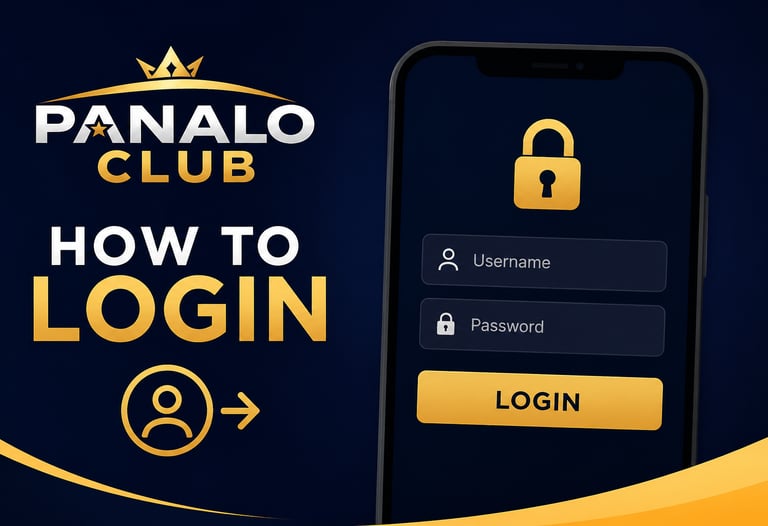

Step 1: Visit the Official Website
Open your browser and go to PANALOCLUB.
Step 2: Click the Login Button
On the homepage, find and click the Login button.
Step 3: Enter Your Account Details
Type in your:
Username
Password
Make sure your login information is entered correctly.
Step 4: Access Your Account
Click the Login button to enter your PANALOCLUB account.
Forgot Your Password?
If you cannot remember your password, simply use the Forgot Password option or contact the support team for assistance.
Login Tips
Keep your account credentials private.
Use a strong password.
Always log in through the official PANALOCLUB website.
Log out after using shared devices.
With just a few simple steps, you can securely access your PANALOCLUB account anytime and anywhere.
PANALOCLUB – Play. Win. Repeat.
Disclaimer: PANALOCLUB is for individuals 21 years old and above only. Please play responsibly.
Leave Comment/ By C /June 12, 2026
Get in touch
ALL RIGHTS RESERVED 2026


Let's Talk
info@panaloclub.ph