
How To Check Valid Turnover at PANALOCLUB
I
1 min read
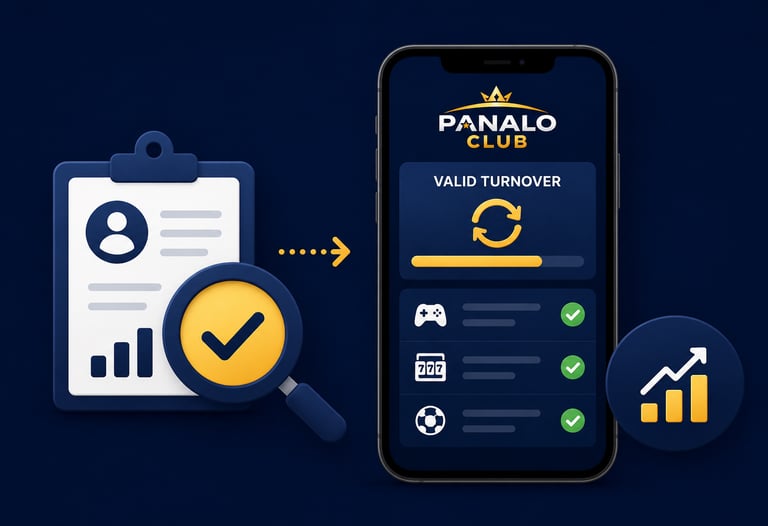

Step 1: Log In to Your Account
Visit PANALOCLUB and sign in using your username and password.
Step 2: Open Your Account Dashboard
After logging in, navigate to your account dashboard where your account information and activity records are displayed.
Step 3: Locate the Turnover Section
Look for the section labeled:
Valid Turnover
Account Activity
Transaction History
Account Records
Step 4: Review Your Turnover
Check your current turnover details and review your account progress. This information helps you stay updated with your account activity and requirements.
Helpful Tips
Monitor your account regularly.
Review transaction records frequently.
Keep track of your account activity.
Contact support if you need assistance.
By checking your turnover regularly, you can stay informed about your account status and enjoy a smoother experience at PANALOCLUB.
PANALOCLUB – Play. Win. Repeat.
Disclaimer: PANALOCLUB is intended for individuals aged 21 and above. Turnover requirements may vary depending on account activity and platform policies. Please play responsibly.
Leave Comment/ By I /June 12, 2026
Get in touch
ALL RIGHTS RESERVED 2026


Let's Talk
info@panaloclub.ph