
How To Cashout at PANALOCLUB
H
1 min read
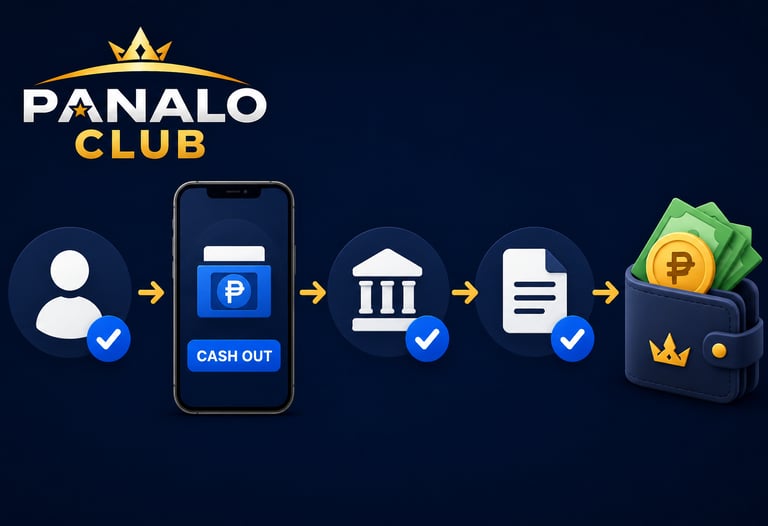

Step 1: Log In to Your Account
Visit PANALOCLUB and sign in using your registered username and password.
Step 2: Go to the Cashout Section
Navigate to the Cashout or Withdrawal section found in your account dashboard.
Step 3: Select Your Withdrawal Method
Choose your preferred withdrawal option from the available methods provided by PANALOCLUB.
Step 4: Enter the Amount
Input the amount you would like to withdraw and carefully review all details before proceeding.
Step 5: Submit Your Request
Confirm your withdrawal request and wait for processing. Once approved, the funds will be sent to your selected withdrawal account.
Cashout Tips
Make sure your account details are correct.
Verify your withdrawal information before submitting.
Keep transaction records for reference.
Contact support if you need assistance.
The cashout process at PANALOCLUB is designed to be simple and convenient, allowing you to access your funds with ease.
PANALOCLUB – Play. Win. Repeat.
Disclaimer: PANALOCLUB is intended for individuals aged 21 and above. Please conduct transactions responsibly and practice responsible gaming at all times.
Leave Comment/ By H /June 12, 2026
Get in touch
ALL RIGHTS RESERVED 2026


Let's Talk
info@panaloclub.ph