
How to Cash In at PANALOCLUB
G
1 min read
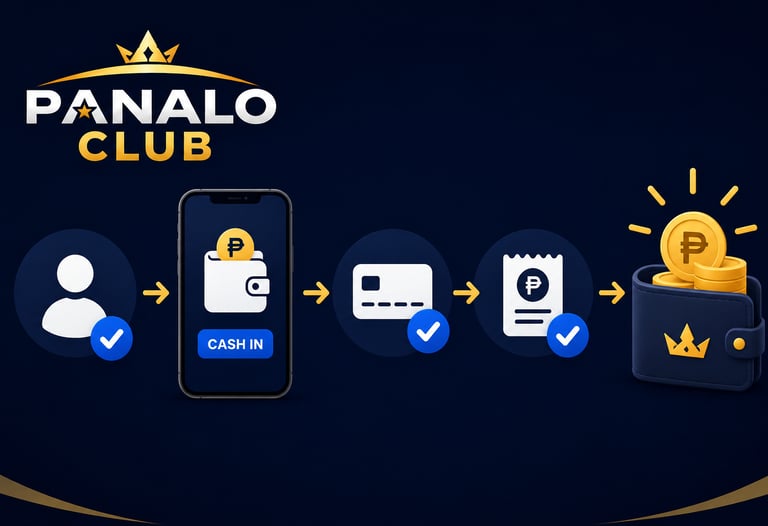

Step 1: Log In to Your Account
Visit PANALOCLUB and sign in using your registered username and password.
Step 2: Go to the Cash In Section
Once logged in, navigate to the Cash In or Deposit section of your account dashboard.
Step 3: Choose a Payment Method
Select your preferred payment option from the available methods provided by PANALOCLUB.
Step 4: Enter the Amount
Input the amount you wish to deposit into your account and review the details carefully.
Step 5: Complete the Transaction
Follow the payment instructions and confirm your transaction. Once completed, your funds will be processed and reflected in your account.
Cash In Tips
Double-check payment details before confirming.
Use only your own payment accounts.
Keep transaction records for reference.
Contact support if you encounter any issues.
With a fast and convenient cash-in process, PANALOCLUB makes it easy to manage your account and enjoy a smooth gaming experience.
PANALOCLUB – Play. Win. Repeat.
Disclaimer: PANALOCLUB is intended for individuals aged 21 and above. Please conduct transactions responsibly and enjoy gaming as a form of entertainment.
Leave Comment/ By G /June 12, 2026
Get in touch
ALL RIGHTS RESERVED 2026


Let's Talk
info@panaloclub.ph